
Set Automatic Upload after Cloud Sync Configuration is Done
You can automate THETA's internet connection and upload images to the cloud immediately after remote shooting is finished.
Necessary preparations
There are two ways to do this, so please set it according to your situation.
- Set up cloud connection and then set up automatic upload (this manual)
- Set up automatic upload from the THETA settings screen
Set up cloud connection and then set up automatic upload
To set up automatic upload, please do so at a location where you can connect to the Wi-Fi you want to connect to.
Simply follow the app's navigation to complete the settings.
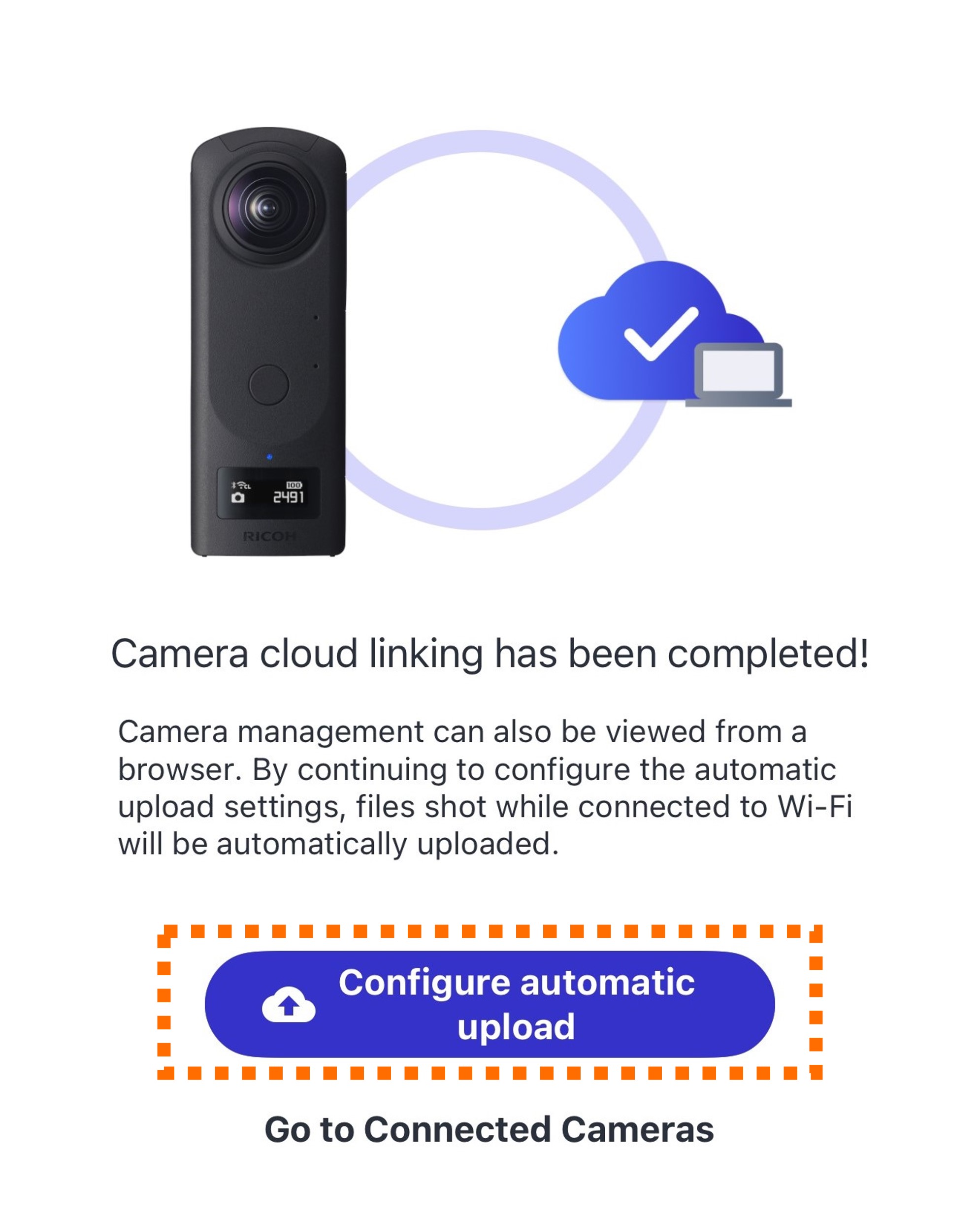
After completing the THETA cloud connection, tap Configure automatic upload on the screen that appears, and select the Wi-Fi you want to connect to.
Tap Select Wi-Fi.


Tap the Wi-Fi network name (SSID)

Enter the password and tap Connect.


Wait a moment. When “Automatic upload setup is complete!” appears, setup is finished.

Supplementary Information